[font #000000]PebbleGo Certification for Educators

Course Overview

The PebbleGo Certification is professional learning experience that introduces core PebbleGo features, best practices, and tools educators use most often. The course is designed to be practical, flexible, and relevant for a range of educator roles. Completing the certification recognizes both your participation and your understanding of how PebbleGo supports instruction, research, and literacy across learning environments.

Join the Community
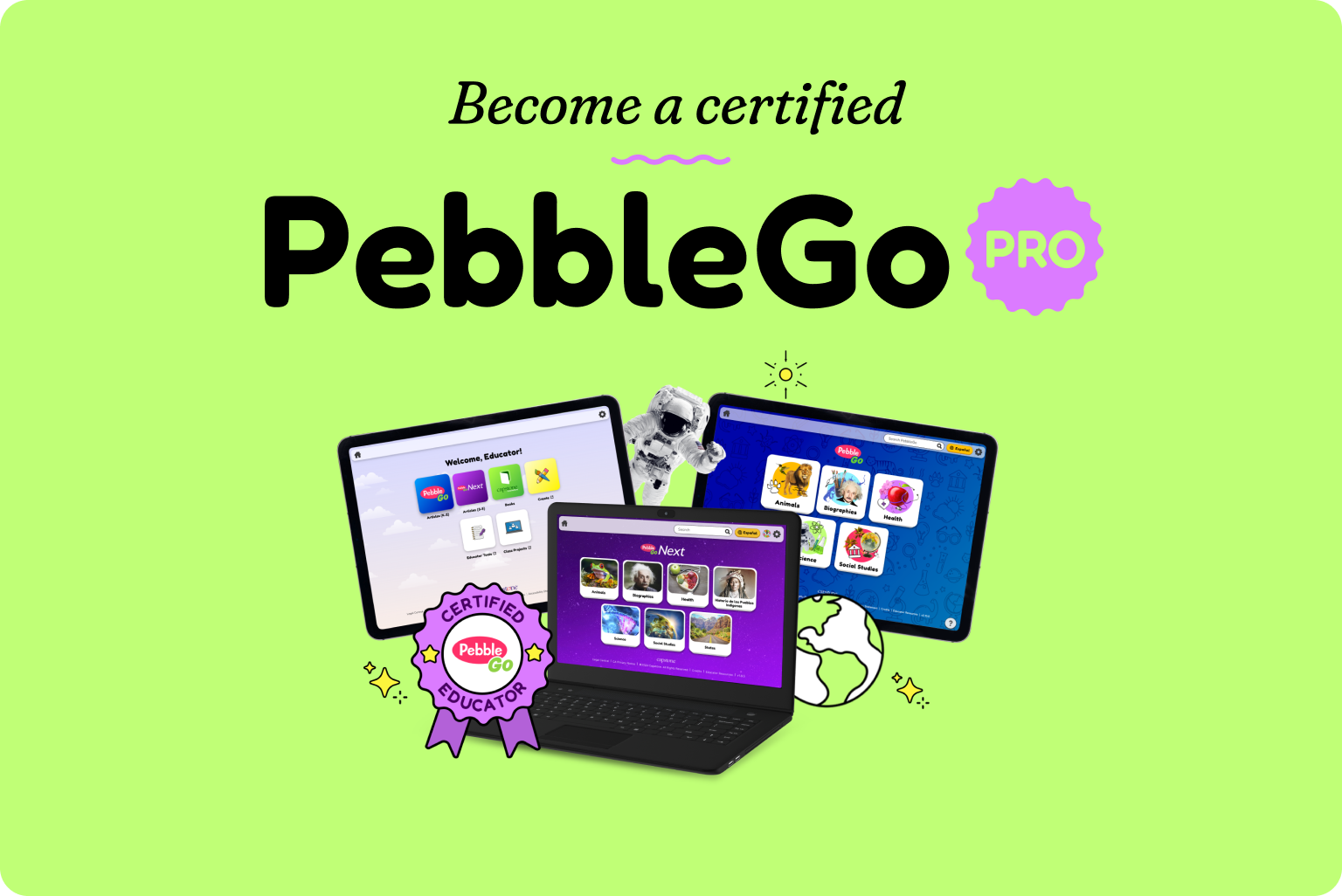
A laptop and iPads with PebbleGo

What You'll Learn

Grey checkmark

[b]Access, setup, and login options that support adoption[/b] Learn how PebbleGo supports different login and access methods, including Clever, ClassLink, Google Classroom, and shared logins. Understand how SSO and rostering affect student access, in-app resources, and how the right setup can save time and support consistent use.
Grey checkmark

[b]Navigate the PebbleGo Suite with confidence[/b] Explore how PebbleGo (K–2) and PebbleGo Next (3–5) are structured, what makes them different, and how each supports developmentally appropriate research and literacy. Learn where Capstone Interactive eBooks fit into the experience and how eBook bundles support reading engagement and curriculum connections.
Grey checkmark

[b]Use learning tools and resources to support instruction[/b] Discover how extended tools, including the Creation Tool and Educator Tools, support student projects, formative assessments, collaboration, and instructional planning.
Grey checkmark

[b]Support implementation, measure impact, and maximize value[/b] Gain a high-level understanding of admin tools for usage reporting and content management. Learn how thoughtful implementation supports teacher adoption, strengthens instruction, and helps schools and districts maximize the value and return on investment of their PebbleGo subscription.

How to Get Started

Sign-up image

Step 1: Join the Community

The certification course is available as part of PebbleGo Community program. * Complete the PebbleGo [url=https://www.pebblego.com/resources/community/sign-up]Community application[/url] * Receive course enrollment instructions in your welcome email Already a member of the PebbleGo Community? Email us at <a href="mailto:community@capstonepub.com" style="color:#1169A6;">community@capstonepub.com</a> to receive your enrollment link.
Laptop with a checkbox

Step 2: Create a Teachable Account & Enroll

The PebbleGo Educator Certification course is hosted on Teachable, a secure online learning platform. * Use the unique URL from your welcome email to access the course enrollment page * Create a teachable account or log in with your existing profile For details on how personal information is collected and used, please review Capstone’s [url=https://www.capstonepub.com/support/privacy-central]Privacy Center[/url], [url=https://www.capstonepub.com/support/privacy-central/products-privacy-notice]California Privacy Notice (CCPA)[/url], and Teachable’s [url=https://www.capstonepub.com/support/privacy-central/products-privacy-notice]Privacy Policy[/url] and [url=https://www.capstonepub.com/support/privacy-central/products-privacy-notice]Terms of Use[/url].
PebbleGo Pro badge

Step 3: Complete the Course

Complete all modules and pass the final exam to earn your certificate and digital badge. [b]Celebrate your achievement by[/b] * Downloading your badge and certificate * Sharing your badge online * Adding your certificate to your professional profile

Frequently Asked Questions

[accordion] +Is this course free? Yes. The PebbleGo Certification course is available at no cost to current PebbleGo customers who are members of the PebbleGo Community. + Who is eligible for the PebbleGo Certification Program? Participation is currently limited to individuals [b]18 years of age or older who reside in the United States[/b]. We’re excited to continue growing the program and hope to expand eligibility in the future. +Do I need to be a PebbleGo customer to enroll? Yes. Access to the course is available to current PebbleGo customers who have joined the [url=https://www.pebblego.com/resources/community/sign-up]PebbleGo Community[/url]. +How long does the course take to complete? The self-paced course takes approximately 1 - 2 hours to complete. You can pause and return at any time. For the best experience, we recommend completing the course within 24–48 hours once you begin. +Does this count toward professional development (PD) hours or Continuing Education Units (CEUs)? While this course is not an official accrediting program, many educators choose to share their certificate of completion with their school or district to request CEUs or PD credit. Additional guidance is provided at the end of the course. +How do I become certified? To earn PebbleGo Certification, you’ll need to: * Join the PebbleGo Community * Create your Teachable account * Complete the full course and pass the final exam

Ready to Get Started?